
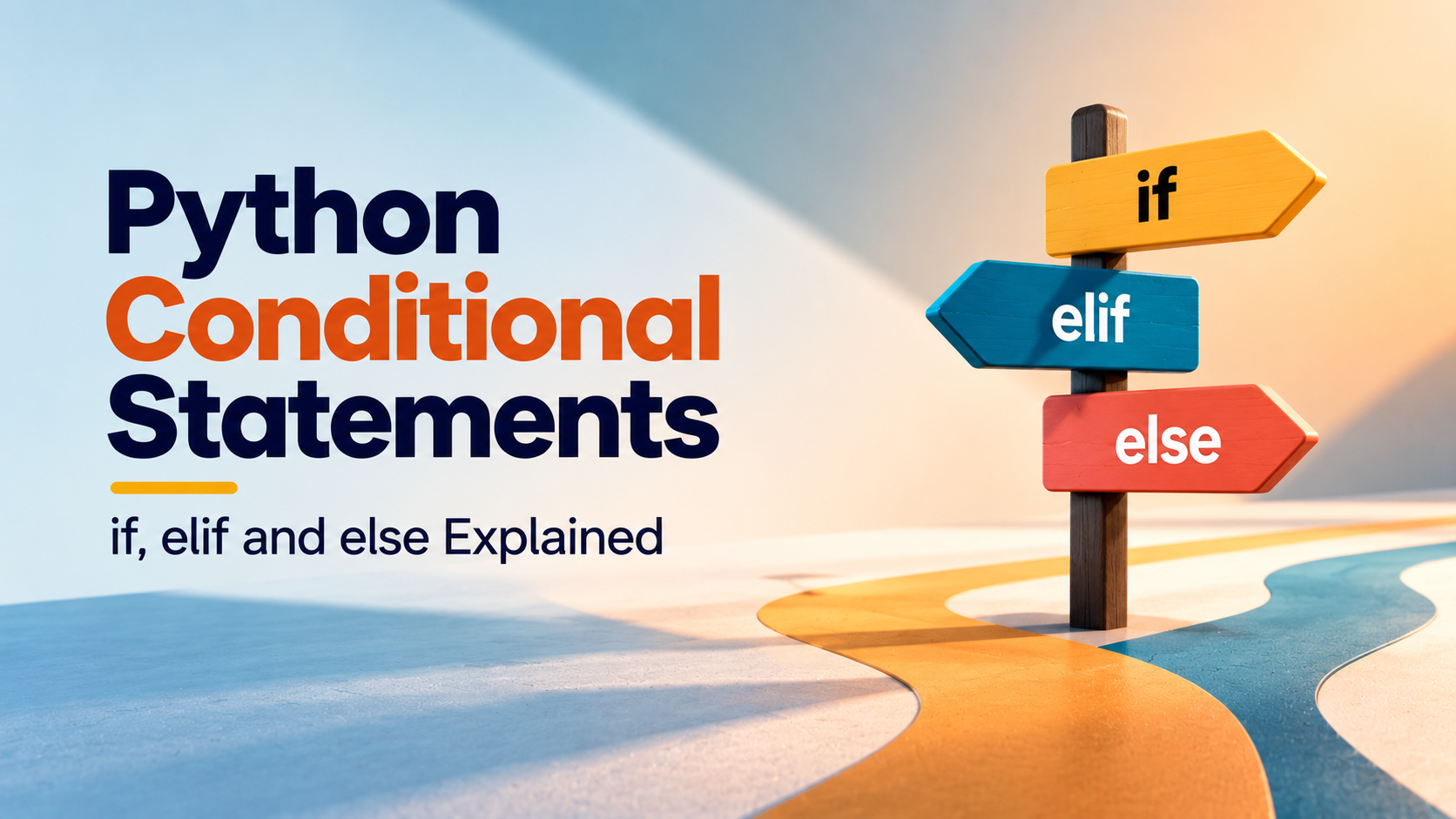
Python Conditional Statements: if, elif and else Explained
Python conditional statements allow a program to make decisions based on whether a condition is true or false. They are one of the first major steps from writing simple Python statements to building programs that can respond differently to different situations.
This guide explains Python if, elif and else statements with practical examples, comparison operators, logical operators, nested conditions, common mistakes and beginner exercises.
Understanding conditional logic is essential before moving into loops, functions and larger Python projects. A structured Python programming course can help learners practise these concepts as part of a broader progression.
What Are Python Conditional Statements?
Conditional statements allow Python programs to execute different blocks of code depending on whether specific conditions are satisfied.
A simple example is checking whether a person is eligible to vote:
age = 20

if age >= 18:
    print("Eligible to vote")
The statement inside the if block runs only when the condition age >= 18 evaluates to true.
Why Are Conditional Statements Important?
Most practical programs need to make decisions. A program may need to determine whether a password is valid, whether a student has passed, whether a customer qualifies for a discount or whether a product is available.
Without conditional logic, a program would have very limited ability to respond differently to changing input.
Conditional statements are commonly used for:
- Checking eligibility
- Validating user input
- Calculating grades
- Applying discounts
- Checking login information
- Determining whether a number is positive or negative
- Checking inventory status
- Controlling application behaviour
Python if Statement
The if statement executes a block of code when its condition is true.
marks = 75

if marks >= 40:
    print("Pass")
If the value of marks is 40 or greater, Python executes the indented statement.
The general structure is:
if condition:
    statement
The colon after the condition and the indentation of the following block are important parts of Python syntax.
Python if-else Statement
An else block provides an alternative when the if condition is false.
marks = 35

if marks >= 40:
    print("Pass")
else:
    print("Fail")
Here, only one of the two blocks executes.
Python if-elif-else Statement
When a program needs to evaluate several possible conditions, Python provides elif.
marks = 78

if marks >= 90:
    print("Grade A+")
elif marks >= 80:
    print("Grade A")
elif marks >= 70:
    print("Grade B")
else:
    print("Needs Improvement")
Python checks the conditions from top to bottom. Once a matching condition is found, its block is executed and the remaining elif and else blocks are skipped.
How Python Evaluates Conditions
Conditional statements generally evaluate expressions that produce a Boolean result: True or False.
age = 21

print(age >= 18)
The comparison produces True, which means the following condition can be used by an if statement.
Comparison Operators in Python Conditions
| Operator | Meaning | Example |
|---|---|---|
| == | Equal to | age == 20 |
| != | Not equal to | age != 20 |
| > | Greater than | marks > 50 |
| < | Less than | marks < 50 |
| >= | Greater than or equal to | age >= 18 |
| <= | Less than or equal to | price <= 1000 |
Difference Between = and ==
One of the most common beginner mistakes is confusing = with ==.
The single equal sign assigns a value:
age = 20The double equal sign compares values:
if age == 20:
    print("Age is 20")
A useful way to remember the difference is that = stores a value, while == asks whether two values are equal.
Using Logical Operators with Conditions
Sometimes a program needs to check more than one condition. Python provides and, or and not for this purpose.
Using and
age = 22
has_id = True

if age >= 18 and has_id:
    print("Access allowed")
Both relevant conditions need to be true for the combined condition to succeed.
Using or
day = "Saturday"

if day == "Saturday" or day == "Sunday":
    print("Weekend")
The condition succeeds if at least one of the alternatives is true.
Using not
is_blocked = False

if not is_blocked:
    print("Account active")
The not operator reverses a Boolean result.
Nested if Statements
A conditional statement can be placed inside another conditional statement. This is called a nested if statement.
age = 20
has_ticket = True

if age >= 18:
    if has_ticket:
        print("Entry allowed")
    else:
        print("Ticket required")
else:
    print("Age restriction applies")
Nested conditions can be useful, but excessive nesting can make code difficult to understand. When logic becomes complicated, functions or clearer condition structures may be a better choice.
Python Conditional Statements with User Input
Conditional statements become more useful when combined with user input.
age = int(input("Enter your age: "))

if age >= 18:
    print("You are an adult.")
else:
    print("You are below 18.")
Notice the use of int(). Since input() normally returns text, the value is converted into an integer before comparison.
Example: Student Grade Calculator
A grade calculator is a simple project for practising multiple conditions.
marks = float(input("Enter your marks: "))

if marks >= 90:
    grade = "A+"
elif marks >= 80:
    grade = "A"
elif marks >= 70:
    grade = "B"
elif marks >= 60:
    grade = "C"
elif marks >= 40:
    grade = "D"
else:
    grade = "F"

print(f"Grade: {grade}")
This example demonstrates a decision sequence where the order of conditions matters.
Why Condition Order Matters
Consider this example:
marks = 95

if marks >= 40:
    print("Pass")
elif marks >= 90:
    print("A+")
The second condition will never be reached for a mark of 95 because the first condition is already true.
A better structure places the more specific or higher threshold conditions first:
if marks >= 90:
    print("A+")
elif marks >= 40:
    print("Pass")
When designing multiple conditions, ask which condition should be evaluated first and whether an earlier condition could prevent later branches from running.
Conditional Expressions in Python
For very simple decisions, Python also supports a conditional expression.
age = 20

status = "Adult" if age >= 18 else "Minor"

print(status)
This can make short assignments concise, but traditional if-else statements are usually easier to read when the decision contains several operations.
Checking Multiple Values
Membership operators can also be useful in conditions.
day = "Sunday"

if day in ["Saturday", "Sunday"]:
    print("Weekend")
This approach can be cleaner than writing several separate comparisons when checking whether a value belongs to a known collection.
Common Errors in Python Conditional Statements
Beginners often understand the basic idea of conditions but encounter errors while writing the syntax.
- Using
=instead of==. - Forgetting the colon after the condition.
- Using incorrect indentation.
- Writing conditions in the wrong order.
- Comparing values with incompatible types.
- Forgetting to convert user input into the required type.
- Creating unnecessarily complicated nested conditions.
Debugging a Conditional Statement
When a conditional program produces the wrong result, do not immediately rewrite the entire program. Check the decision step by step.
For example:
age = 17

print(age >= 18)

if age >= 18:
    print("Allowed")
else:
    print("Not allowed")
Printing the condition separately helps you determine whether the problem is in the input value, the comparison or the surrounding program logic.
This habit becomes increasingly important as programs become larger. Debugging should involve understanding why a condition produced a particular result rather than simply changing operators until the output looks correct.
Practical Example: Discount Calculator
Conditional logic can be used to apply different discounts based on an order amount.
amount = float(input("Enter purchase amount: "))

if amount >= 5000:
    discount = 20
elif amount >= 2500:
    discount = 10
elif amount >= 1000:
    discount = 5
else:
    discount = 0

final_amount = amount - (amount * discount / 100)

print(f"Discount: {discount}%")
print(f"Final amount: {final_amount:.2f}")
This is more representative of practical programming than a condition containing only a single print statement because the decision affects a later calculation.
Python Conditional Statements Practice Questions
After learning if, elif and else, practise problems that require you to decide what conditions are actually needed.
- Check whether a number is positive, negative or zero.
- Check whether a number is even or odd.
- Find the greater of two numbers.
- Find the greatest of three numbers.
- Check whether a student has passed or failed.
- Create a grade calculator.
- Calculate an electricity bill based on usage.
- Apply discounts based on purchase amount.
- Check whether a year is a leap year.
- Create a simple menu-driven program.
From Conditions to Larger Python Programs
Conditional statements are not an isolated topic. They become building blocks for larger applications.
A student management system might use conditions to determine pass or fail status. A shopping application may use them to calculate discounts. A login system may use them to validate credentials. A weather application may use conditions to classify temperatures or weather states.
This connection between basic syntax and practical applications is important when learning Python because it shows why each concept is being taught.
Why Choose Upskill Now for Learning Python?
Conditional statements are easier to understand when they are practised as part of a complete programming progression rather than learned as isolated syntax rules.
Upskill Now's Python program progresses from Python fundamentals and programming logic into data structures, object-oriented programming, file handling, exception management, databases, automation and APIs.
The program also uses practical projects to connect individual concepts. A beginner can start with a Python Calculator and later work with applications such as a Student Management System, Expense Tracker, Library Management System, Employee Database Management and Weather Information Application.
This approach helps answer an important learning question: not only how to write an if statement, but where conditional logic belongs inside a working application.
How Upskill Now Connects Python Logic to Projects
A practical Python learning path should gradually increase the complexity of the problems being solved.
| Learning Stage | Example Skill | Practical Application |
|---|---|---|
| Fundamentals | Variables and operators | Calculator |
| Decision making | if, elif and else | Grades and eligibility rules |
| Data handling | Collections and functions | Student or expense records |
| Application development | Files, databases and APIs | Larger Python applications |
| Project development | Combining concepts | Capstone project |
Upskill Now also includes tools such as VS Code, PyCharm, MySQL, Git and GitHub, REST APIs and command-line tools, allowing learners to gradually move from writing small Python scripts toward practical development workflows.
For learners who want a structured path beyond introductory syntax, Python training at Upskill Now can be evaluated based on its curriculum, projects and preferred learning format.
How to Know You Understand Python Conditions
You should be able to write conditional logic without simply copying a template. A useful checkpoint is whether you can read a problem and determine the required decisions yourself.
For example, if asked to create a student grading system, you should be able to identify:
- What input the program needs.
- What values need to be converted.
- Which conditions must be checked.
- Which condition should be evaluated first.
- What should happen when none of the conditions match.
- What output the user should receive.
If you can break a problem into these decisions, you are moving beyond memorising Python syntax and beginning to develop programming logic.
Conclusion
Python conditional statements are essential for creating programs that can make decisions. The if statement handles a condition, elif allows additional possibilities and else provides a final alternative when earlier conditions are not satisfied.
The most important step is to practise conditions in realistic problems. Grade calculators, discount systems, eligibility checks and validation programs are simple enough for beginners while still teaching the decision-making skills required in larger applications.
As your Python skills progress, conditional statements will work alongside loops, functions, collections, files, databases and APIs. A structured learning approach such as Upskill Now's Python program can help connect these concepts through a progressive curriculum and practical projects.
Contact Upskill Now
A-3, Third Floor, Rajouri Garden, New Delhi – 110027
Phone: 9999848160 | 9711448765
Email: connect@upskillnow.in